Clipping Path Service

Hand-drawn vector paths that cut your product out to the exact edge — no ragged outlines, no AI guesswork. Clean cutouts that drop straight onto white, transparent or lifestyle backgrounds.

7,100+Paths drawn last week
48 hrsStandard delivery
$0.39Price starts from
Quick answer

What is a clipping path service?

A clipping path service is a manual photo-editing process in which a designer draws a vector outline around a product in Photoshop so the background can be removed cleanly. Because the outline is vector rather than pixel-based, the cutout stays sharp at any size and can be re-edited later. Retouch Marm prices clipping paths from $0.39 per image and delivers in 48 hours.

Starting price
$0.39per image, simple shapes
Turnaround
48 hourssame-day available
Delivered as
PNG / JPG / PSDtransparent, white bg, layered
Method
Hand-drawnPhotoshop pen tool, no AI selection
Best for
Defined edgesbottles, shoes, boxes, electronics
Free trial
Yesone image edited free

Soft edges such as hair, fur, lace or smoke need image masking instead — we combine both when an image calls for it.

Simple 3 steps

Getting a clipping path done is easy

1

Ask for a free quote

Send your unedited images and we return an exact per-image price, usually within four business hours.

2

Approve the test edit

We clip one image free so you can check the path quality before any money changes hands.

3

Receive ready files

Transparent PNG, white-background JPG or layered PSD with the path saved — delivered in 48 hours.

Service types

Four levels of clipping path, priced by complexity

You only pay for the difficulty your images actually need. Send a sample and we will tell you honestly which tier it falls into.

Simple Clipping Path example by Retouch Marm

Simple Clipping Path

from $0.39

Straightforward shapes with a clean outline — books, boxes, phone cases, plain bottles. One closed path, no interior holes.
Medium Clipping Path example by Retouch Marm

Medium Clipping Path

from $0.79

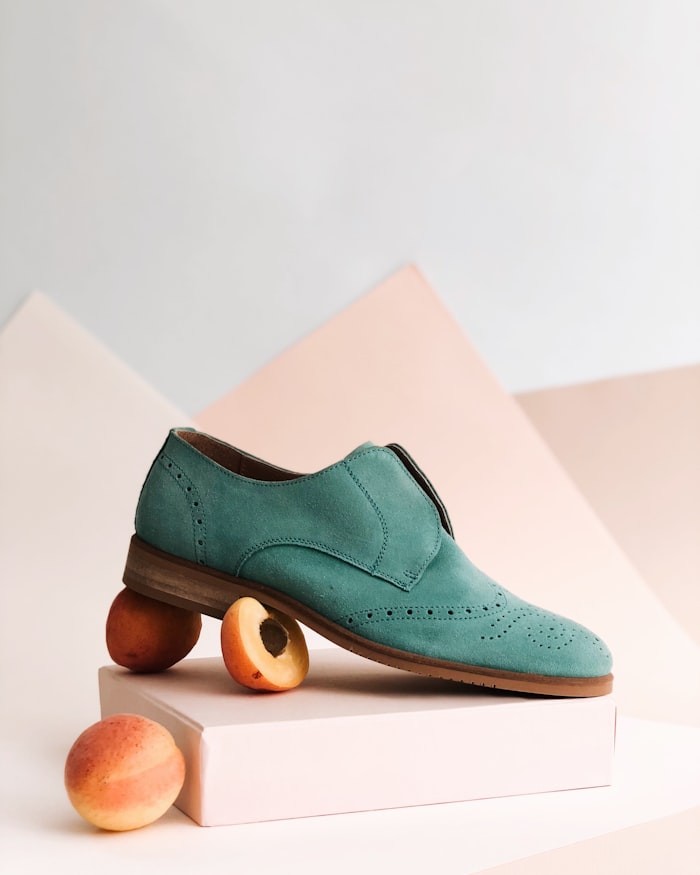
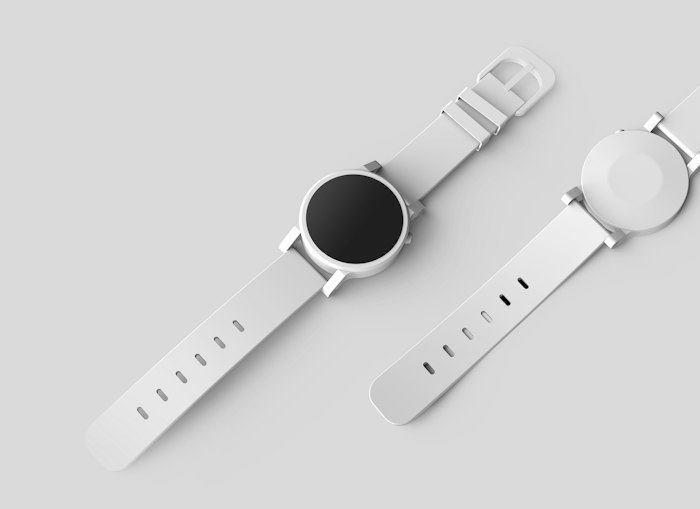
Products with a few curves or small interior gaps — watches, shoes, furniture, perfume bottles, multi-part packaging.
Complex Clipping Path example by Retouch Marm

Complex Clipping Path

from $1.60

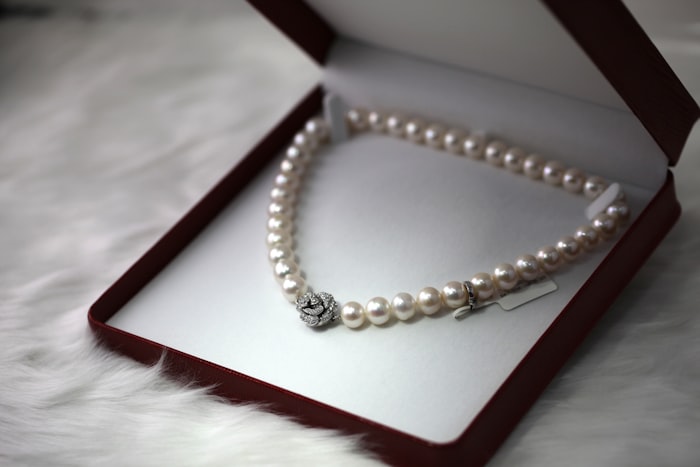
Busy outlines and multiple holes — jewellery chains, wicker, bicycles, chairs with spindles, grouped products.

Super Complex Clipping Path example by Retouch Marm

Super Complex Clipping Path

from $3.20

The hardest frames: flower bunches, nets, transparent layers and dense group shots where every gap has to be cut by hand.

The basics

What is a clipping path?

A clipping path is a closed vector outline drawn around a product with the Photoshop pen tool. Everything inside the path is kept; everything outside is discarded. Because the outline is vector rather than pixels, it stays razor sharp whether the image is used as a 200px thumbnail or a full-page print.

That is the practical difference between a path and an automatic cutout: an algorithm guesses at the edge and leaves a soft, speckled halo, while a hand-drawn path sits exactly where the product ends. On a white marketplace background those few stray pixels are the difference between a listing that looks professional and one that does not.

Paths are saved inside the file, so your team can re-edit or re-cut later without starting over. We deliver a transparent PNG for compositing, a white-background JPG for marketplaces, and the layered PSD with the path intact if you need it.
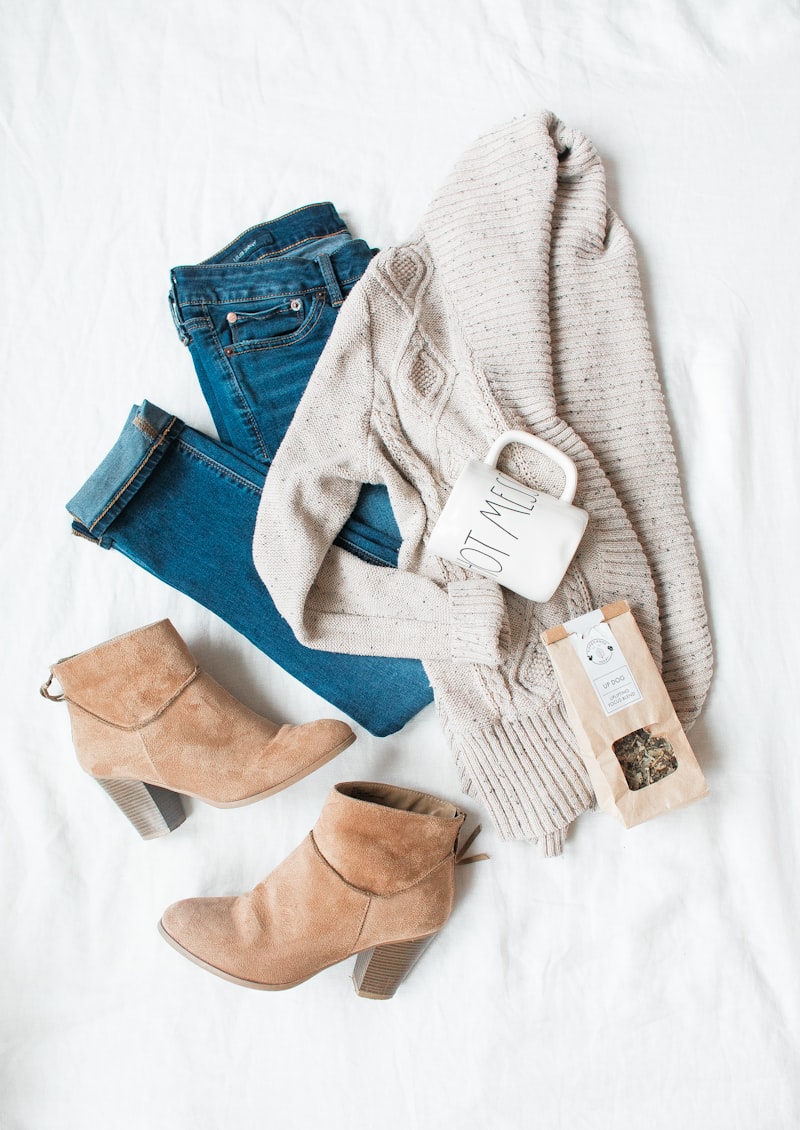
Clipping path applied to a product photo, cut out to the exact edge
Why Retouch Marm

What you get with every clipping path order

Drawn by hand, every time

Every path is cut with the pen tool by a trained retoucher. We do not run automatic selection and call it done.

Two-stage quality check

A second editor inspects every file at 300% zoom before it leaves us, checking edges, corners and interior gaps.

Consistent across batches

Your written style guide is applied to image one and image five thousand, so a catalogue never looks stitched together.

Free revisions

One round is included. If an edge is not where you want it, we redo it without a conversation about cost.

NDA on request

Unreleased products stay confidential. We sign your NDA before files are transferred.

Monthly invoicing

Regular clients are billed monthly rather than per order, so your finance team gets one clean invoice.

Who it is for

Who uses our clipping path service

eCommerce brands

Clean cutouts that satisfy Amazon, Shopify and eBay image rules and lift click-through on listing grids.

Product photographers

Shoot more, edit less. Hand the raw frames over and get back catalogue-ready cutouts.

Creative agencies

Ready-to-composite PNGs so designers can drop products into layouts without tracing edges themselves.

Print & catalogue teams

Vector paths that hold up at press resolution, with CMYK output available on request.

FAQ

Clipping path questions, answered

What is a clipping path used for?

It isolates a product from its background so the image can be placed on white for marketplaces, on a transparent layer for design work, or into a lifestyle scene. It is the first step in almost every eCommerce image workflow.

How much does a clipping path cost?

Pricing starts at $0.39 per image for simple shapes and rises with complexity: medium from $0.79, complex from $1.60 and super complex from $3.20. Volume discounts start once monthly numbers grow.

What is the difference between clipping path and image masking?

A path is a hard vector outline, ideal for defined edges like bottles or shoes. Masking works on pixel transparency and is needed for soft edges such as hair, fur, lace or smoke. Images with both get a combined treatment.

How fast can you deliver?

Standard turnaround is 48 hours. Same-day and overnight delivery are available for an agreed surcharge, and large recurring batches get a fixed daily schedule.

Which file formats do you accept and deliver?

We accept JPEG, PNG, TIFF, PSD and RAW. Delivery is usually a transparent PNG plus a white-background JPG, with the layered PSD and saved path included on request.

Do you use AI to cut out images?

No. Automatic selection leaves soft, inaccurate edges that show up badly on white backgrounds. Every path is drawn manually with the pen tool, which is why we can guarantee the edge quality.

Can you handle thousands of images a month?

Yes. Bulk catalogues are assigned a dedicated team and a written style guide so output stays identical across the whole run.

Ready to move? Get a quote now

Hand-drawn clipping paths are one message away. Send a sample and see the edge quality for yourself.

Scroll to Top